SEO & AI Search
Technical SEO Checklist for a Healthier Website
A focused technical SEO checklist covering crawlability, indexing, canonicals, metadata, structured data, speed, and internal links.

By Bibek Thapa · Published Jul 18, 2026 · Updated Aug 10, 2026 · 5 min read
Quick Answer
A healthy technical SEO setup makes important pages crawlable, indexable, canonical, fast, internally linked, and easy for search engines to understand. Start with robots.txt, sitemap, noindex, canonicals, redirects, structured data, status codes, page speed, and mobile rendering before chasing advanced tactics.
Key Takeaways
- Technical SEO protects visibility by removing crawl, index, and rendering blockers.
- Check the pages that matter most first: homepage, hubs, money pages, and top articles.
- A sitemap helps discovery, but internal links still matter.
- Validate fixes in Google Search Console after deployment.
Table of Contents
Technical SEO is not glamorous, but it protects every page you publish. If Google cannot crawl a URL, understand its canonical version, load its main content, or trust its structure, the best article in the world can underperform quietly.
The intent behind a technical SEO checklist is practical. You want to know what to inspect, what the issue means, and what to fix first. Use this as a working order, not a theoretical list.
1. Crawlability
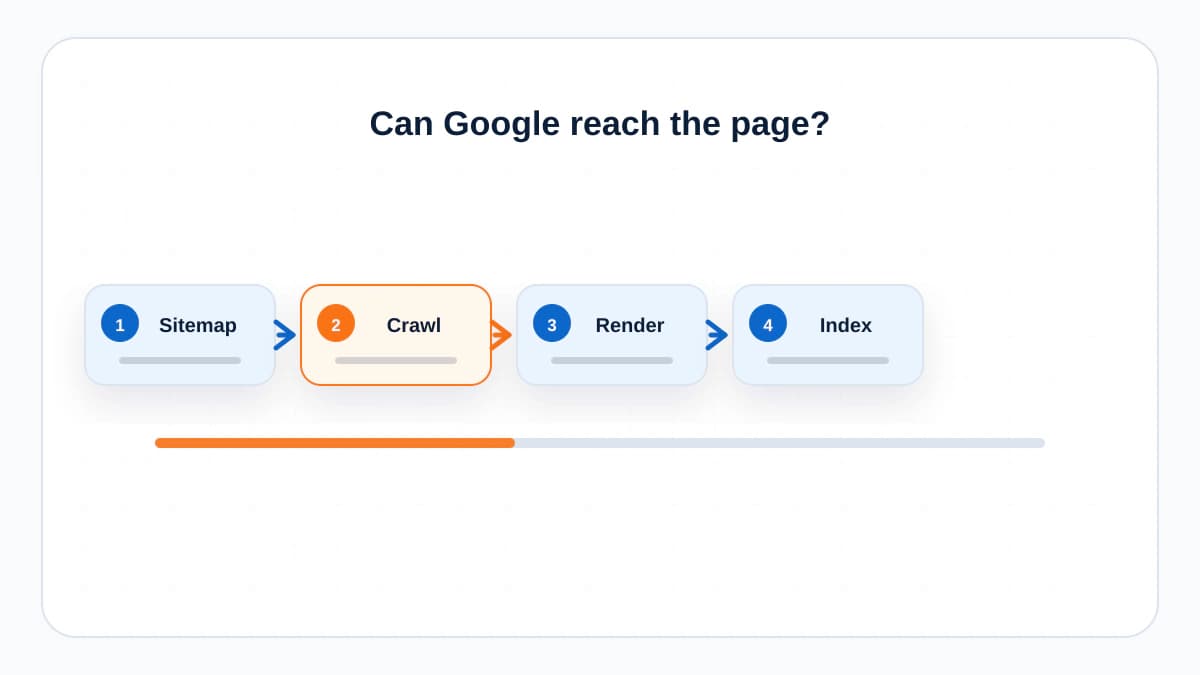
Check that important pages can be reached by crawlers. Review robots.txt, server status codes, blocked paths, middleware redirects, and navigation links. A page hidden behind search forms, broken links, or accidental disallow rules is harder to discover.
- Important pages return HTTP 200.
- Robots.txt does not block important sections.
- Navigation and internal links expose key pages.
- JS-rendered content is visible in rendered HTML or reliably rendered by Google.
- The sitemap lists canonical URLs only.
2. Indexability
A crawlable page can still be excluded from the index. Check noindex tags, canonical tags, duplicate pages, soft 404s, and thin placeholders. For a publishing site, this matters most on article pages, category hubs, author pages, and policy pages.
3. Canonical Tags
Every indexable page should have a clear canonical. Most pages should self-canonicalize. Use a different canonical only when the page intentionally duplicates another URL. Do not canonicalize a unique article to a category page or homepage.
4. Redirects and Status Codes
Redirect old URLs with the status that matches the change. Use 301 for permanent moves, 302 or 307 for temporary moves, and 410 when a page is gone and should not return. Avoid redirect chains because they waste crawl signals and slow users down.
5. Sitemap and RSS
A sitemap helps search engines discover URLs you consider important. For a small site, it is still useful because it gives Google a clean list of canonical pages and updated dates. RSS can help expose fresh article updates, but it is not a replacement for an XML sitemap.
6. Metadata
Each important page needs a descriptive title tag and meta description. They should match the search intent and page promise. Do not write titles only for keywords. A title also has to win the click honestly.
7. Structured Data
Add structured data when it accurately describes the page. Blog posts can use BlogPosting, FAQs can use FAQPage when the questions are visible on the page, and breadcrumbs can use BreadcrumbList. Validate with Google's Rich Results Test before requesting indexing.
8. Internal Links
Internal links tell readers and crawlers which pages belong together. Link from category hubs to supporting articles, from articles back to hubs, and between closely related guides. Use anchor text that describes the destination, not vague text like click here.
9. Page Experience
Check Core Web Vitals, mobile layout, image sizing, intrusive popups, and whether the main content is easy to distinguish. Page experience does not replace relevance, but poor experience can reduce both conversions and search performance.
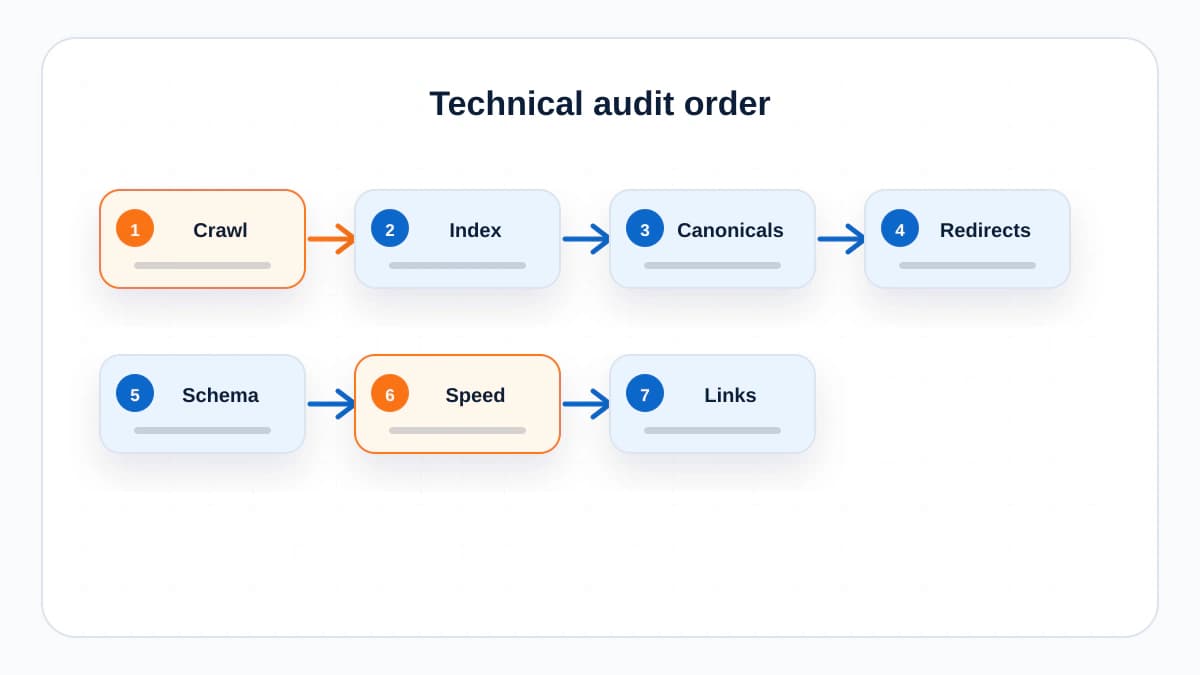
10. A Simple Audit Order
- Open Google Search Console and inspect coverage, sitemap, Core Web Vitals, and page indexing reports.
- Run a crawl with Screaming Frog or a similar crawler.
- Check templates manually: homepage, category hub, article, author, policy, and contact.
- Fix indexability and canonical issues before metadata polish.
- Validate structured data and submit the sitemap after deployment.
The Bottom Line
Technical SEO is maintenance with leverage. It does not make weak content strong, but it stops strong content from being trapped behind avoidable problems.
Frequently Asked Questions
What is the first technical SEO check?
Start with indexability. Confirm important URLs return 200, are not blocked by robots.txt, do not have noindex, and point canonical tags to themselves unless there is a deliberate duplicate.
How often should I run a technical SEO audit?
Run a light check monthly and a deeper crawl after migrations, template changes, CMS changes, or major publishing pushes.
Does a sitemap guarantee indexing?
No. A sitemap helps search engines discover URLs, but Google does not guarantee every submitted URL will be crawled or indexed.
Sources and References

Written by
Bibek Thapa
AI-Powered Digital Growth Strategist
Bibek Thapa works across AI workflows, SEO, AI search optimization, content strategy, website growth, and productivity systems. Anobee documents practical lessons, tools, experiments, and systems for improving digital presence.
- AI workflows
- Digital growth
- SEO
- GEO
- AEO
- Content strategy
- Website growth