AI Tools & Workflows
Best AI Writing Tools for Bloggers: 7 Workflow Picks
By Bibek Thapa · Updated · 12 min read
Quick Answer
The best AI writing tool for a blogger depends on the bottleneck. ChatGPT or Claude suits hands-on research and drafting. Frase or RightBlogger adds SEO and publishing workflow. Jasper and Copy.ai suit teams, while Rytr covers low-cost short-form work. This guide compares documented capabilities, not an Anobee hands-on test.

Table of ContentsOn this page
- Best AI writing tools for bloggers at a glance
- 1. ChatGPT: a broad workspace for hands-on bloggers
- 2. Claude: a strong fit for large source packs and projects
- 3. Jasper: brand control for a marketing team
- 4. Copy.ai: repeatable workflows beyond article drafting
- 5. Frase: SEO and publishing in one content workflow
- 6. Rytr: a low-cost option for shorter writing jobs
- 7. RightBlogger: blog automation and direct publishing
- How to choose an AI writing tool without guessing
- Do bloggers need a paid AI writing tool?
- Can AI-written blog content rank in Google?
- A practical recommendation by workflow
- Frequently Asked Questions
- Sources and References
Key Takeaways
- Choose an AI writing tool for the slowest part of your workflow, not for the longest feature list.
- ChatGPT and Claude are flexible starting points when you want to direct research, drafting and revision yourself.
- Frase and RightBlogger add SEO or publishing workflow, while Jasper and Copy.ai make more sense for teams.
- Free plans can validate your process before you pay, but limits, privacy and missing integrations still matter.
- Test two real articles with the same brief and track errors, editing time and publishing friction before subscribing.
The best AI writing tools for bloggers do not all solve the same problem. One may help you work through sources and a draft. Another may earn its fee by moving approved copy into your CMS.
The right choice starts with the part of blogging that keeps slowing you down. A solo blogger may write one careful guide each week. That person needs a different setup from a marketing team or a site that schedules content at scale. One universal ranking blurs those differences.
This comparison covers seven well-known options: ChatGPT, Claude, Jasper, Copy.ai, Frase, Rytr and RightBlogger. It maps each product to a blogging job using current product pages.
Method note: Product pages and prices were checked on September 2, 2026. Anobee did not have a dated test log for all seven tools. Therefore, this article does not claim that every product was tested or rank their writing quality. Prices are in US dollars before tax. They may vary by billing cycle or region.
Best AI writing tools for bloggers at a glance
If you want one flexible assistant and prefer to control each step, begin with ChatGPT or Claude. Choose a specialist only when it removes a specific bottleneck that keeps returning.
| Tool | Documented fit | Free access or trial | Paid entry checked | Main limitation to consider |
|---|---|---|---|---|
| ChatGPT | General research, drafting, files and images | Free plan | Plus: $20/month | No built-in blog SEO score or direct CMS workflow |
| Claude | Source-heavy projects and long document work | Free plan | Pro: $20/month or $17/month billed annually | Usage limits still apply, including on paid plans |
| Jasper | Team marketing with brand and knowledge controls | 7-day trial | Pro: $59/month per seat | High cost when one blogger only needs drafts |
| Copy.ai | Team chat and repeatable go-to-market workflows | Try-for-free route shown | Chat: $29/month or $24/month billed annually | Current positioning extends well beyond blogging |
| Frase | SEO, GEO, content optimization and CMS workflow | 7-day trial | Starter: $49/month or $39/month billed annually | Starter is capped at 10 articles and one site monthly |
| Rytr | Low-cost short-form assistance | Free: 10,000 characters/month | Unlimited: $7.50/month on the yearly pricing view | Official use cases lean toward shorter content tasks |
| RightBlogger | Blogging tools, automation and CMS publishing | 2,000 free words; 7-day paid trial | Solo: $59/month | Automation still needs editorial and factual review |
The prices above are snapshots, not promises. Open the official pricing page before paying. This matters most when annual billing or usage credits are involved.
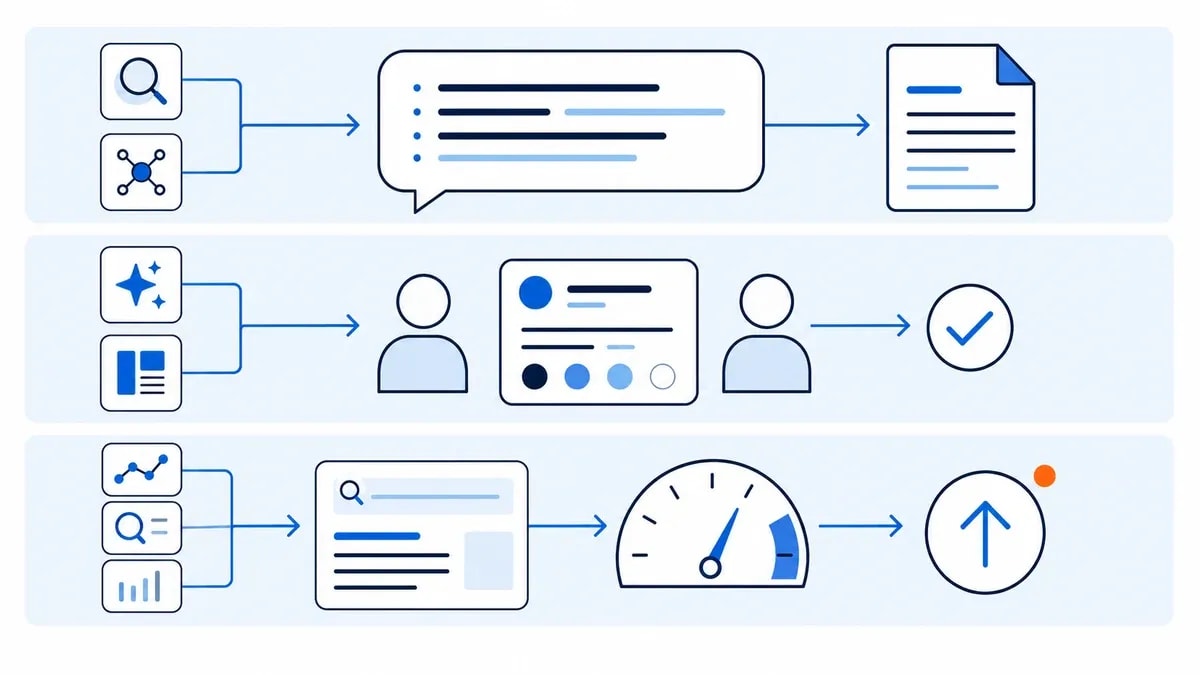
1. ChatGPT: a broad workspace for hands-on bloggers
ChatGPT is the most flexible choice in this group. The free plan includes text chat, search, projects and limited file, image and deep-research access. ChatGPT Plus costs $20 a month and expands model access, file analysis, image generation and deep research, although usage limits can still change with demand [1].
That breadth matters when your work spans several formats. You can discuss an angle and inspect a source file. You can then build an outline, revise a section and create an image concept in the same product.
ChatGPT fits best when you want to direct the process yourself. It can support research organization, briefs, drafts, tables and revision prompts. Anobee's ChatGPT prompts for SEO can help you give the tool a narrower job.
The tradeoff is structure. ChatGPT does not give every blogger a reliable source-checking method. Nor does it supply a brand review or publishing checklist by default. You still need to verify citations and protect your own examples. Then you need to move the finished work through the CMS.
2. Claude: a strong fit for large source packs and projects
Claude is another general tool. Its plan structure suits work with large source packs. Anthropic lists a 200,000-token context window across individual plans. Claude Pro adds more usage, unlimited projects, Research and access to more models. It costs $20 with monthly billing. The annual plan works out to $17 a month [2].
Projects are useful when you want a stable place for a style guide, product notes and source documents. That does not guarantee the final article will match your voice or remain accurate. It does reduce the need to paste the same context into every new conversation.
Claude fits long briefs and writing that depends on several supplied documents. The free allowance may be enough for an occasional article. Anthropic says paid usage still depends on chat length, model choice and features. In short, “paid” does not mean unlimited.
If your decision is mainly between the two general assistants, use the separate ChatGPT and Claude writing comparison for a narrower feature-by-feature choice.
3. Jasper: brand control for a marketing team
Jasper is built around marketing operations rather than a blank chat alone. Its Pro plan includes one seat, core marketing agents, two Brand Voices, five knowledge assets and three audience profiles. The listed monthly price is $59 per seat, with a seven-day trial [3].
This setup can make sense when several people need the same approved language. They can also share product facts and audience rules. A team can store those controls once and use them across campaigns.
For one blogger, the same strengths can become overhead. If you already keep a clear brief and edit every article yourself, a cheaper general assistant may cover the writing work. Jasper becomes more defensible when inconsistent team output is the problem you are paying to fix.
4. Copy.ai: repeatable workflows beyond article drafting
Copy.ai now presents itself as a go-to-market platform. Its self-serve Chat plan includes five seats and unlimited words in chat. It also includes unlimited chat projects and access to models from OpenAI, Anthropic and Google. The page lists $29 a month. Annual billing brings that figure to $24 a month [4].
The product also offers Workflows: connected AI actions that can combine research, generation and integrations. Those workflow runs use credits, and the cost depends on their complexity.
That makes Copy.ai more relevant to a small marketing team with a repeatable process. It is less compelling for a blogger who only wants help with one draft. For one person, “unlimited words” is a weak reason to subscribe. Five seats, model choice and workflow automation should remove a real constraint before they influence the decision.
5. Frase: SEO and publishing in one content workflow
Frase combines research, drafting, SEO and GEO scores, AI-visibility features and CMS publishing. The Starter plan covers one seat and one site. It includes up to 10 articles and 50 page audits each month. It costs $49 month to month or $39 a month when billed annually. A seven-day trial is available [5].
This is a different purchase from a general chatbot. You are paying for a defined content operation: create, optimize, publish and monitor from one platform.
The value appears when keyword research, optimization or CMS handoff is already the slow part. Frase is harder to justify when you publish occasionally and can manage those steps with a spreadsheet, a general assistant and your existing SEO plugin.
Also, treat any optimization score as a diagnostic. A higher tool score cannot confirm that an article is accurate, original or likely to rank.
6. Rytr: a low-cost option for shorter writing jobs
Rytr's free plan includes 10,000 characters each month. On the yearly pricing view checked for this article, the Unlimited plan was listed at $7.50 a month and included unlimited generation plus one tone-of-voice match [6].
The official use-case list covers paragraph copy, calls to action and captions. It also includes review replies, email and SEO titles. That makes Rytr a reasonable candidate for short parts of a blog article.
It is a weaker fit when your main problem is a long guide with many sources and a complex argument. That conclusion comes from Rytr's published feature list. It is not a claim about output quality. Test one full assignment before assuming the lower price will cut your total editing time.
7. RightBlogger: blog automation and direct publishing
RightBlogger is the most blog-specific option in this shortlist. Its paid plans include blog automation, unlimited manual AI words and brand voices. They also include AI images and CMS publishing. The Solo plan covers one connected website for $59 a month. A free account includes 2,000 words per month, and paid plans start with a seven-day trial [7].
The workflow can research, outline, draft, optimize and schedule an article. RightBlogger still sets limits on automations and scheduled posts, even when manual words are unlimited.
This kind of tool makes sense when publishing handoff is the repeated bottleneck. Automation does not provide editorial approval. You still own the facts, examples, links, disclosures and final decision to publish.
How to choose an AI writing tool without guessing
When comparing the best AI writing tools for bloggers, start with the step that already costs you time. Buying a large feature set before naming the bottleneck usually creates another tool to maintain.
1. Name the slowest step
Write down where work stalls across your last three articles:
- finding and checking sources.
- turning notes into a useful outline.
- drafting from an approved brief.
- holding a consistent voice.
- on-page optimization.
- adding internal links and metadata.
- moving the article into the CMS.
- updating older pages.
One tool does not need to solve all eight. It needs to improve the step that repeatedly delays publication without creating a larger review burden.
2. Choose assisted work or automation
ChatGPT and Claude suit a hands-on process. You decide what happens next and prompt each stage.
Frase and RightBlogger move further toward a managed pipeline. Jasper and Copy.ai add controls for repeatable team work. More automation saves coordination only when the inputs, quality bar and approval process are already clear.
3. Check the limits behind the headline
“Unlimited” can refer to words while workflows, research, automations, projects, seats or connected sites remain capped. Compare the limit tied to your workload, not the largest number on the pricing page.
Privacy matters too. Before uploading interviews, customer records or client documents, read the current data-control terms for the exact plan you will use. A consumer plan and a business plan may handle data differently.
4. Run the same two-article trial
Free access and trials are most useful when you test real work. Use the same brief, source pack, voice sample and output requirements in each candidate.
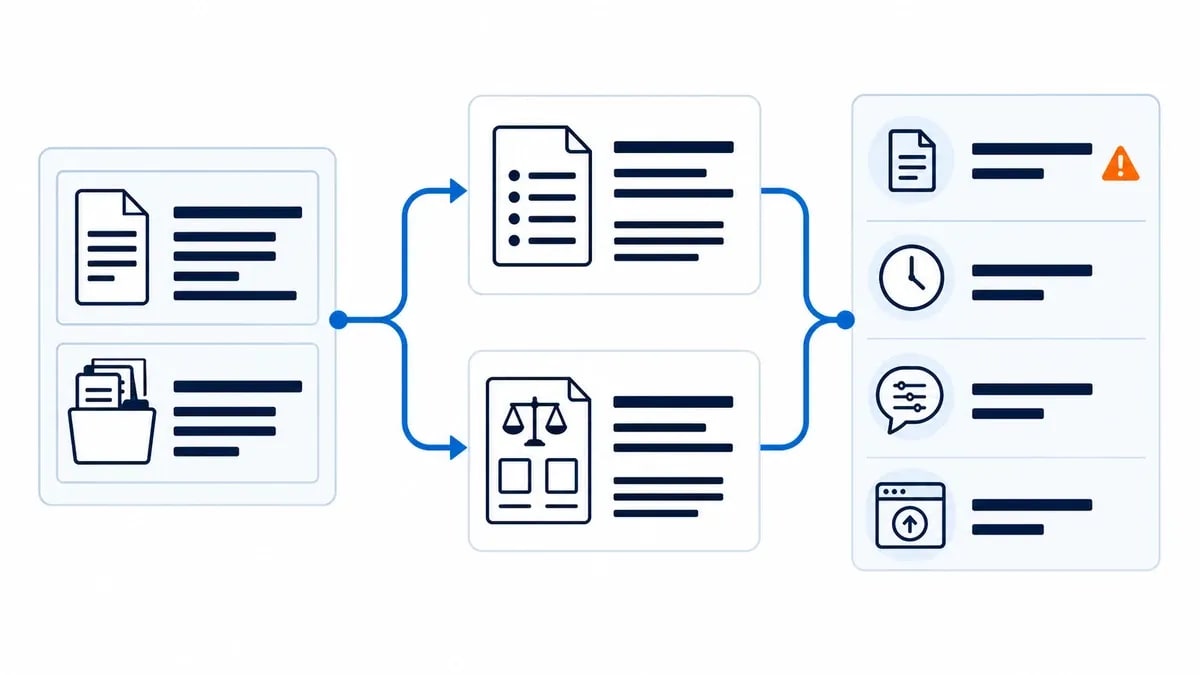
Run two assignments:
- a practical how-to article that depends on accurate steps.
- a comparison article that requires balanced tradeoffs and current sources.
Track the evidence instead of assigning an impressionistic star rating:
| Measure | What to record |
|---|---|
| Unsupported claims | Statements you had to remove because no source supported them. |
| Source errors | Broken links, wrong attributions or claims not present in the cited page. |
| Missed instructions | Required headings, exclusions or formatting the tool ignored. |
| Voice corrections | Passages rewritten because they did not sound like your publication. |
| Editing time | Minutes from first draft to approved copy. |
| Publishing steps | Manual actions needed after the writing was finished. |
| Final usefulness | Whether a reader can complete the promised task without another search. |
Keep the winner only if it reduces total work. A fast first draft can be the expensive option when fact-checking and rewriting take longer than drafting from scratch.
Do bloggers need a paid AI writing tool?
Not at the beginning. Use a free plan to learn whether AI improves your process at all.
A paid plan becomes reasonable when one of these limits appears every week:
- the free allowance stops a real article midway.
- you repeatedly need larger source files or longer context.
- several writers need shared brand and knowledge controls.
- SEO review or CMS handoff takes more time than drafting.
- a documented automation can replace repeated manual steps.
Do not upgrade because a tool produced one impressive paragraph. Test a complete workflow, including the dull work after the draft.
Can AI-written blog content rank in Google?
Google's public guidance focuses on accuracy, quality and relevance, including for content produced with generative AI. It also warns that generating many pages without adding value can violate the scaled content abuse policy [8].
The useful question is not whether an AI tool touched the draft. Ask whether the finished page gives readers a reliable answer, original value and clear sourcing.
Google's people-first guidance also encourages clear authorship. For reviews, it asks for details about what was tested and how the test was conducted. It also says E-E-A-T is not one specific ranking factor [9]. That is why this comparison states its method instead of presenting undocumented experience as proof.

If this part of the decision worries you, read Anobee's guide to how Google treats AI-assisted content. After publication, the next challenge is making the page useful enough to earn links and citations; this guide to getting cited by ChatGPT explains that separate job.
A practical recommendation by workflow
Choose the smallest tool that solves the problem you can already describe:
- One flexible assistant: Give ChatGPT and Claude the same source pack. Keep the one that needs fewer corrections in your workflow.
- Team brand consistency: Test Jasper when several people need shared voice, product and audience rules.
- Repeatable marketing processes: Consider Copy.ai when multi-step go-to-market workflows matter more than a dedicated blog editor.
- SEO-led content operation: Use Frase's trial when optimization, monitoring or CMS publishing is the bottleneck.
- Low-cost short-form help: Start with Rytr's free plan and test the exact components you create most often.
- Blog automation: Put RightBlogger through a real publishing cycle when direct publishing and recurring maintenance are the buying reason.
The best AI writing tools for bloggers are the ones that leave less corrective work behind. Pick a real bottleneck, run the same two-article test and keep the evidence. That produces a better decision than any generic leaderboard.
Frequently Asked Questions
What is the best AI writing tool for bloggers?
There is no reliable universal winner. ChatGPT and Claude are flexible for hands-on work. Frase and RightBlogger add blogging workflow, Jasper and Copy.ai target teams, and Rytr is a lower-cost option for shorter tasks. Test the tools against your own brief before choosing.
What is the best free AI writing tool for bloggers?
ChatGPT, Claude and Rytr all provide free access, but their limits and features differ. Use a free plan to test one real outline and one draft. Upgrade only when the usage cap or a missing workflow feature repeatedly slows your work.
Can AI writing tools create a complete blog post?
They can produce an outline or draft, and some can add optimization or CMS publishing. A complete article still needs source verification, original value, accurate examples, brand editing, internal links and a final review before publication.
Does Google penalize AI-written blog content?
Google tells publishers to focus on accuracy, quality and relevance regardless of how content is produced. Generating many pages without adding user value can violate its scaled content abuse policy. AI use alone is not the deciding issue.
How should I test an AI writing tool before paying?
Give each candidate the same brief and source pack for two real assignments. Record unsupported claims, missed instructions, editing minutes, voice corrections and publishing steps. Choose the tool that reduces your actual workload without lowering accuracy.
Sources and References
- OpenAI Help Center - What Is ChatGPT Plus? ↩
- Anthropic - Claude Plans and Pricing ↩
- Jasper - Plans and Pricing ↩
- Copy.ai - Pricing ↩
- Frase - Pricing ↩
- Rytr - Pricing ↩
- RightBlogger - Pricing for AI Blog Automation ↩
- Google Search Central - Guidance on Using Generative AI Content ↩
- Google Search Central - Creating Helpful, Reliable, People-First Content ↩
Was this guide helpful?
Your answer helps Anobee improve future updates.

Written by
Bibek Thapa
AI-Powered Digital Growth Strategist
Bibek Thapa works across AI workflows, SEO, AI search optimization, content strategy, website growth, and productivity systems. Anobee documents practical lessons, tools, experiments, and systems for improving digital presence.
- AI workflows
- Digital growth
- SEO
- GEO
- AEO
- Content strategy
- Website growth